Creating courses is an option that you use to create a course bank for all courses offered by all programs at all levels in all the semesters
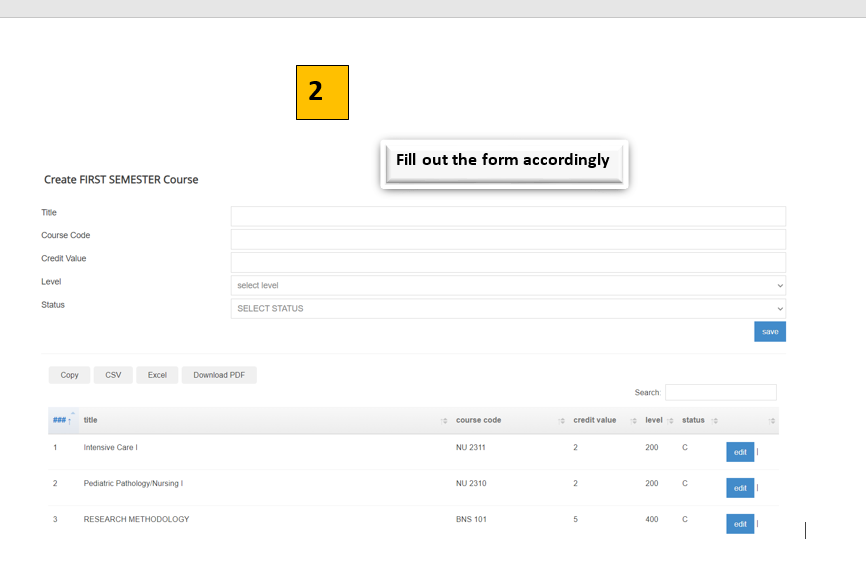
Create on Course Zone >Add Course > Chose background that is undergraduate, post graduate or public health > chose the semester from the lists and press SAVE >Fill out the Form and Save.
Please note that in adding courses, once you are finished with one Semester, go back and repeat the process for the next semester